
WhatsApp Team Inbox for Growing Businesses
Learn why growing teams need shared ownership, fast context, and clear WhatsApp response workflows instead of one phone passed between people.
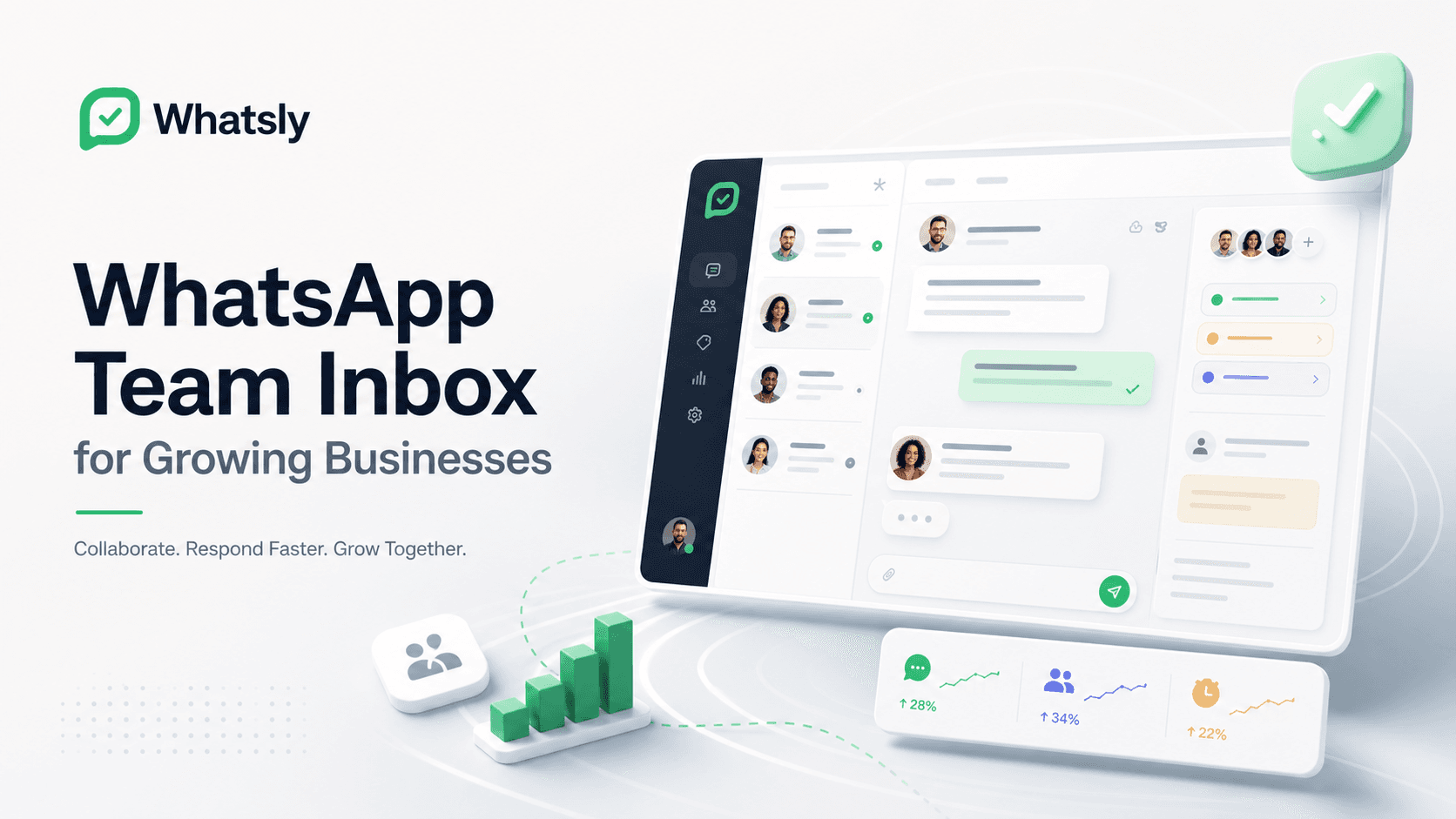
WhatsApp is often where customers ask urgent questions, confirm orders, request support, and follow up after a purchase. That works well when one person owns the phone. It becomes harder when the business grows and every reply depends on who has the device, who saw the message first, and who remembers the customer history.
A WhatsApp team inbox gives the team one shared workspace for customer conversations while keeping the communication flow simple.
The problem with one-device operations
Many businesses start with one WhatsApp number and a small team. At first, this is fast. Later, it creates operational gaps:
- Messages are missed when one person is unavailable.
- Customers repeat context because history is not easy to scan.
- Teammates reply twice or assume someone else handled it.
- Owners cannot see response delays until customers complain.
- Integrations become fragile when everything depends on manual forwarding.
These are not just support issues. They affect sales, delivery, bookings, and trust.
What a shared inbox should solve
A practical WhatsApp inbox should help teams answer faster without becoming heavy helpdesk software. The best version is lightweight and operational:
- Conversation ownership is clear.
- Unassigned messages are visible to the team.
- Notes and labels add context without turning the inbox into a CRM.
- API and webhook workflows keep business systems in sync.
- Mobile views make replies easy when teams are away from desks.
The goal is not to add more process. The goal is to reduce confusion.
Why API infrastructure matters
A team inbox becomes more powerful when it is connected to reliable device and API infrastructure. Businesses can pair devices, issue scoped API keys, receive signed webhook events, and track message status from one workspace.
That gives teams room to build operational workflows such as booking confirmations, order updates, lead follow-ups, and customer support replies without losing visibility.
A good first workflow
Start with a simple team inbox flow:
- Pair the business WhatsApp device.
- Route inbound messages into a shared conversation list.
- Keep recent messages and customer context visible.
- Let teammates reply through the connected device.
- Use webhooks to notify internal systems when important message events happen.
This keeps WhatsApp communication close to the people who operate it while giving the business cleaner control over devices, credentials, and message history.
The Whatsly approach
Whatsly is built around WhatsApp communication infrastructure first: connected devices, message APIs, team-ready inbox workflows, and webhook events. It helps growing businesses keep customer conversations moving without exposing implementation details to operators.
For teams that rely on WhatsApp every day, that foundation matters. Fast replies are not just convenient. They are part of how customers judge whether a business is reliable.